1 min read
How to disable auto-locking of MacOS Keychains
We streamlined the configuration of our Mac Build agents to a repository where we can update our Provisioning Profiles, Keychains, etc.
Lately, I’m seeing a lot of this:
error: No signing certificate "iOS Distribution" found: No "iOS Distribution" signing certificate matching team ID "XXXXXXXX" with a private key was found. (in target 'XXXXX' from project 'XXXXX')
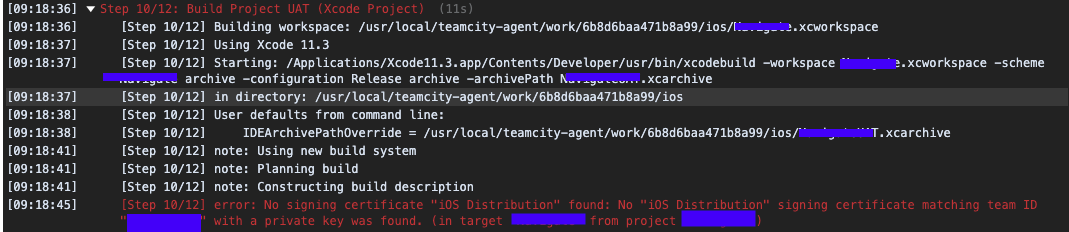
It turns out that the Keychain where the distribution certificate and private key was stored keeps locking up every 2 hours.
Here’s a simple step by step process to remove that lock 🔐 .
- Open the local copy of your Keychain through Keychain Access.
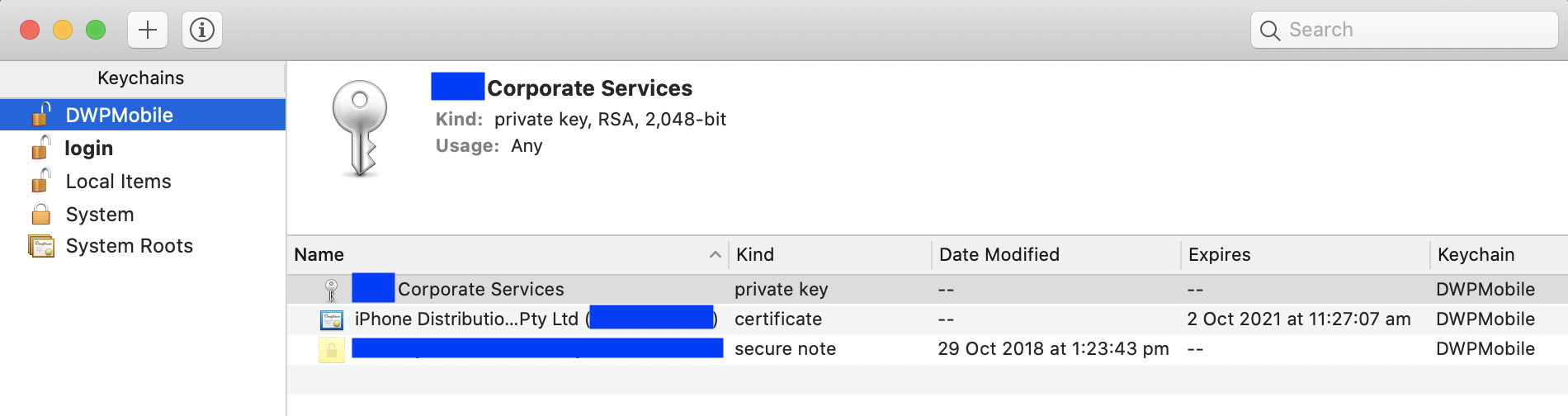
- Right click on the keychain and select “Change Settings…”
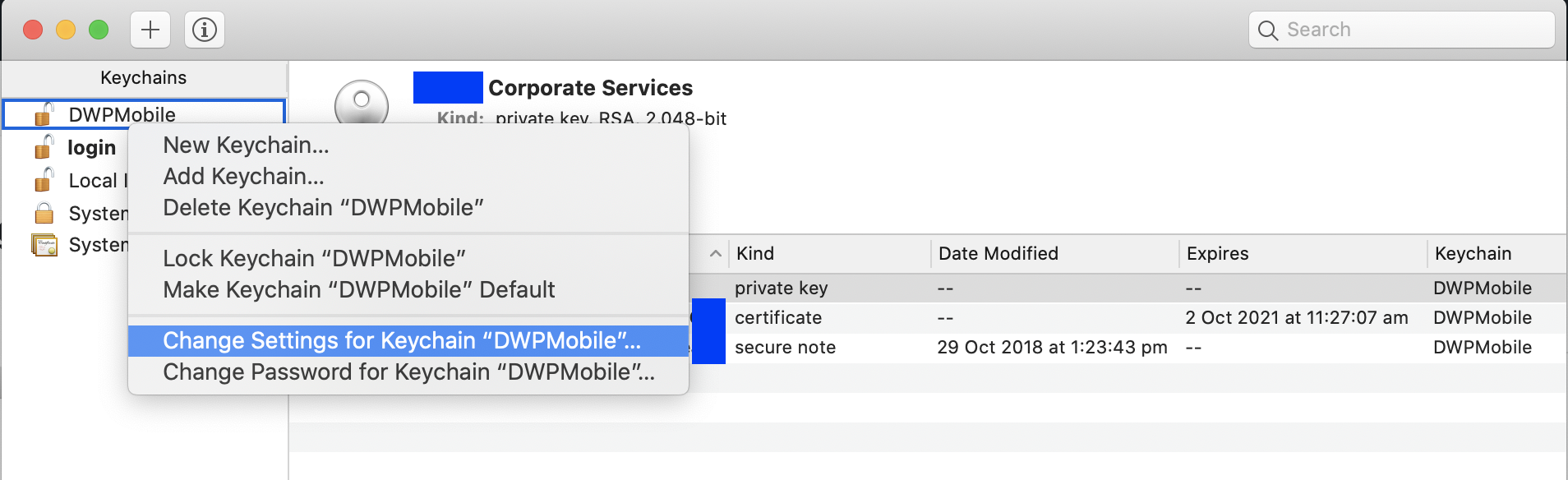
- Untick the “Lock after…” and “Lock when sleeping”. Click on Save.

- Back on the keychain items, right click on the private key. Select “Allow all applications…” since the build servers doesn’t really need a GUI, otherwise you would need to manually RDP to the servers and unlock the keychain.
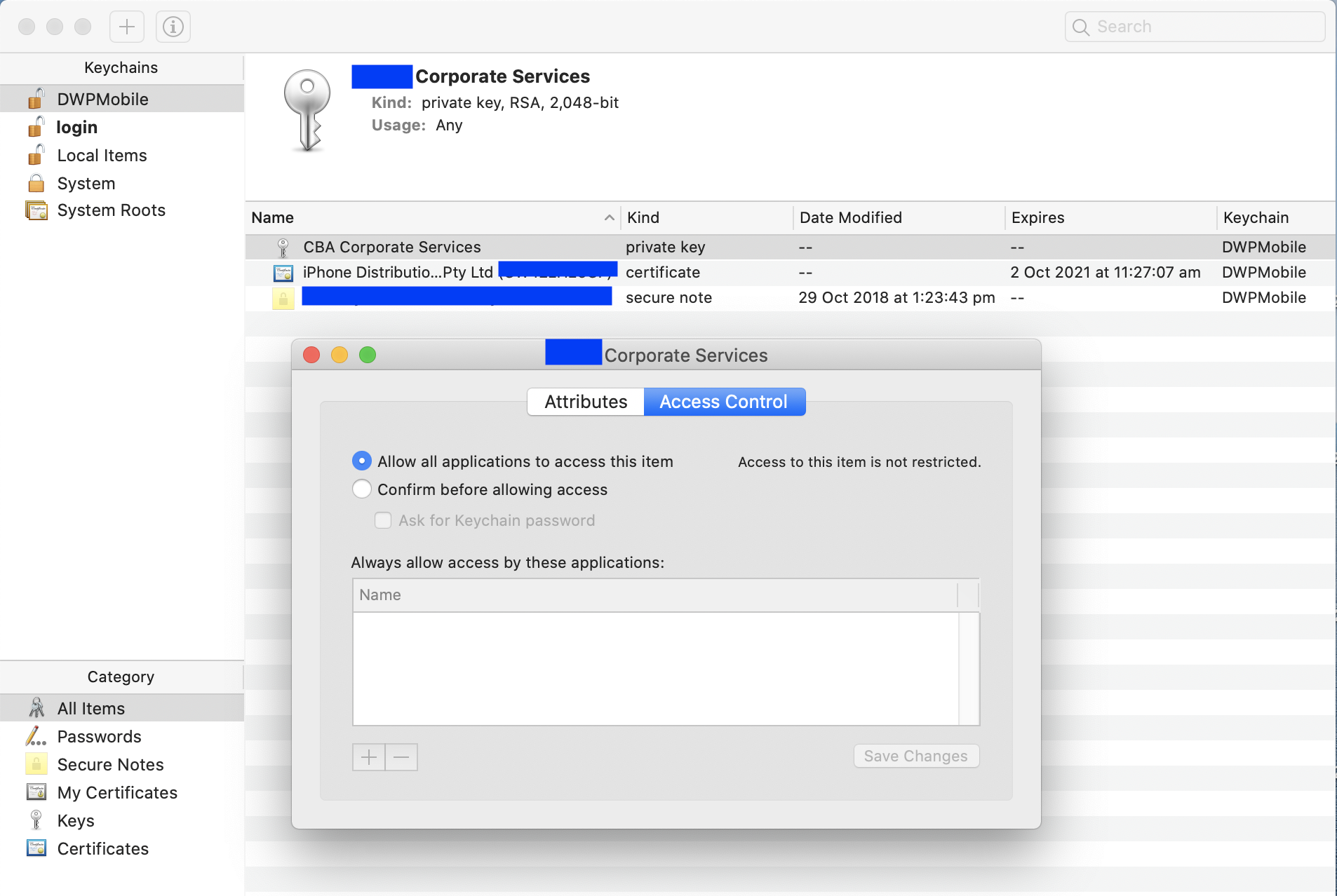
- Save all changes. Create a pull request. Merge the branch. Run the pipeline again.